

S
Developer Docs
Discover how to get the most out of Divhunt for your unique needs, and explore the possibilities of building plugins to make Divhunt a better tool for everyone.
When working with Divhunt, it's important to follow a set of design rules to maintain consistency with design, therefore we created a reusable HTML components that can be used when developing a new functionality that requires front-end part.
Input
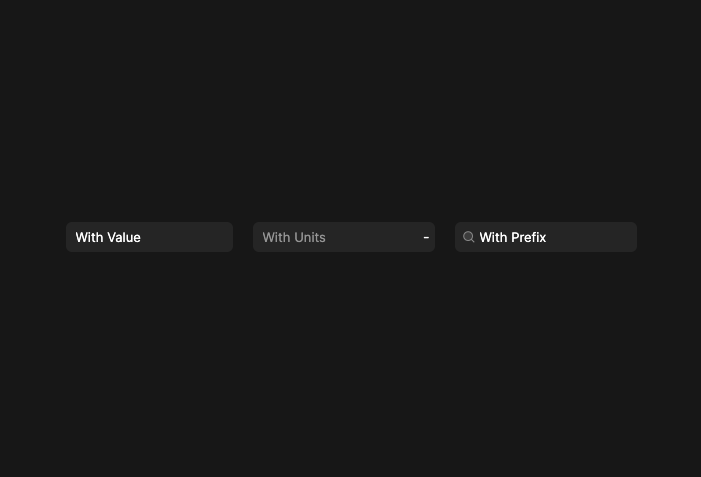
html.Render('input', {
    label: 'Label',
    prefix: dh.icon('search', null, 'common', {style: 'margin-left: 7px'}),
    suffix: '',
    attributes: {
        value: 'With Value',
        placeholder: 'Placeholder',
        units: ['px', 'vh', 'vw'],
        style: 'padding-left: 25px'
    },
    onInput: (target, value) =>
    {
        console.log(target, value);
    },
    onChange: (target, value) =>
    {
        console.log(target, value);
    }
});
Select
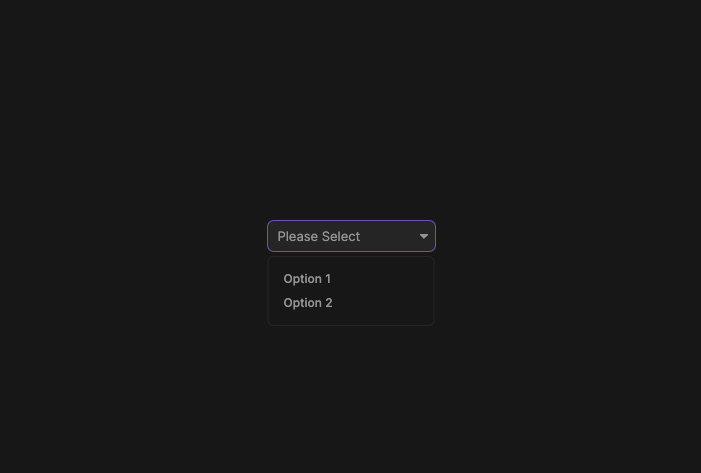
html.Render('input', {
    select: () =>
    {
        return [
            {title: 'Option 1', value: 'option-1'},
            {title: 'Option 2', value: 'option-2'},
        ];
    },
    attributes: {
        value: '',
        placeholder: 'Please Select'
    },
    onSelect: (target, select) =>
    {
        console.log(target, select);
    },
    onChange: (target, value) =>
    {
        console.log(target, value);
    },
    onHover: (target, select) =>
    {
        console.log(target, select);
    }
});
Textarea
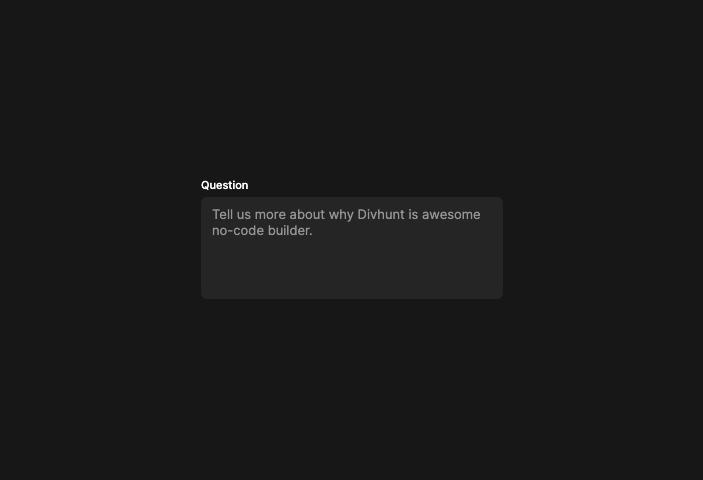
html.Render('textarea', {
    label: 'Question',
    value: '',
    prefix: '',
    suffix: '',
    attributes: {
        placeholder: 'Divhunt is an awesome no-code builder...'
    },
    onInput: (target, value) =>
    {
        console.log(target, value);
    },
    onChange: (target, value) =>
    {
        console.log(target, value);
    }
});
Toggle
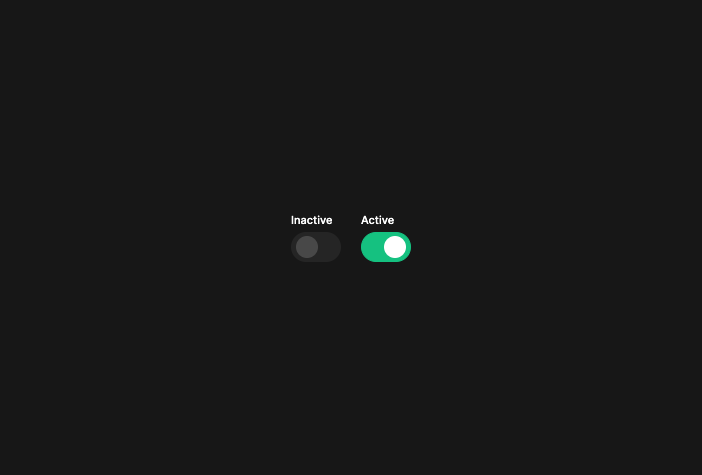
html.Render('toggle', {
    label: 'Inactive',
    checked: false,
    attributes: {
        class: 'class-here'
    },
    onToggle: (target, value) =>
    {
        console.log(target, value);
    }
});
Button
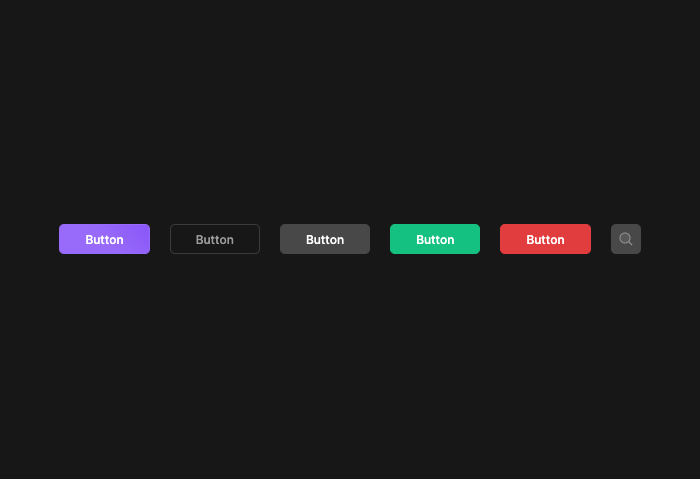
html.Render('button', {
    title: 'Button',
    icon: 'search', // Or instead of title
    tooltip: 'Hello World',
    href: '/',
    attributes: {
        id: 'id-here',
    },
    onClick: (target) =>
    {
        console.log(target);
    },
}, {class: 'border'}); // or "silver", "success", "danger", "dark"
Options
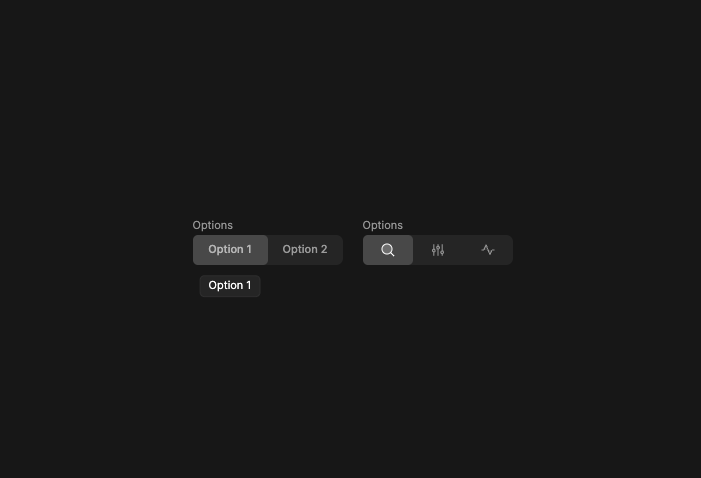
html.Render('options', {
    label: 'Options',
    selected: 'option-1',
    options: [
        {title: 'Option 1', value: 'option-1', tooltip: 'Option 1'},
        {title: 'Option 2', value: 'option-2'},
        {icon: 'sliders', value: 'option-3'},
    ],
    onClick: (target, option) =>
    {
        console.log(target, option);
    }
});
Date
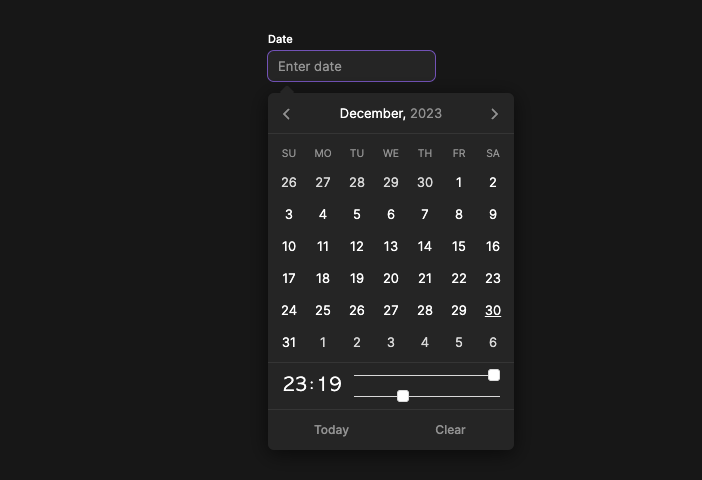
html.Render('date', {
    label: 'Date',
    format: 'yyyy-MM-dd',
    time: true,
    timeFormat: 'H:m',
    attributes: {
        value: '',
        placeholder: 'Enter date',
    },
    onChange: (target, value) =>
    {
        console.log(target, value);
    }
});
Banner
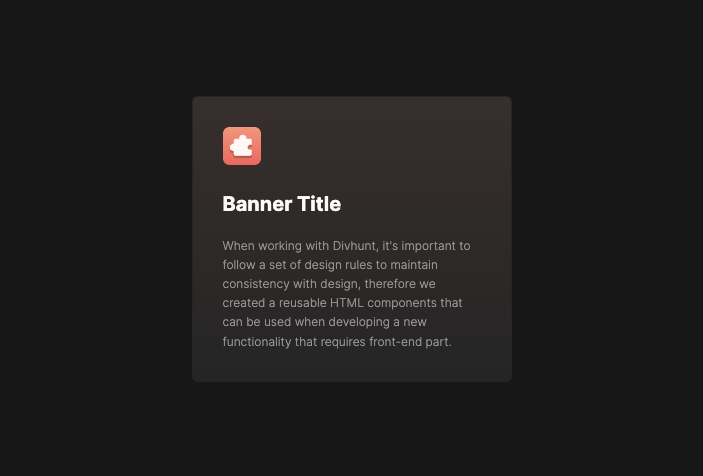
html.Render('banner', {
    image: 'https://global.divhunt.com/60271f1794481fa6b7733e5a0ee1ede1_2858.svg',
    title: 'Banner Title',
    description: 'When working with Divhunt, it\'s important to follow a set of design rules to maintain consistency with design, therefore we created a reusable HTML components that can be used when developing a new functionality that requires front-end part.',
    href: '/',
    bg: 'bg1', // Or 'bg2', 'bg3'
    attributes: {
        id: 'id-here'
    }
});
Heading
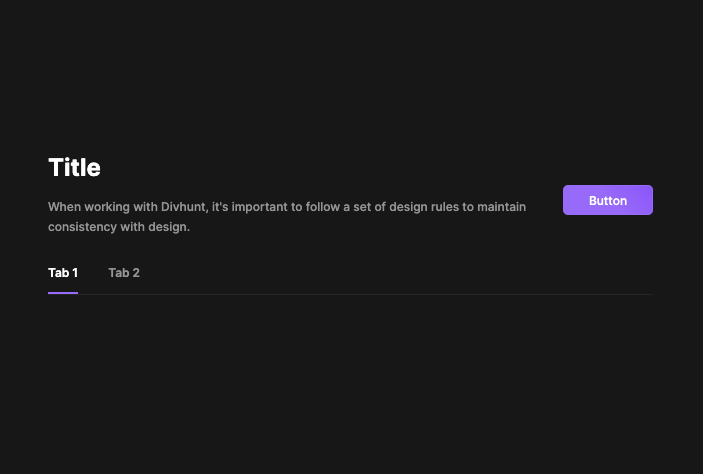
html.Render('heading', {
    title: 'Title',
    description: 'When working with Divhunt, it\'s important to follow a set of design rules to maintain consistency with design.',
    actions: html.Render('button', {
        title: 'Button'
    }),
    tabs: true // if true, "html.tabs" add-on must have items added.
});
Table
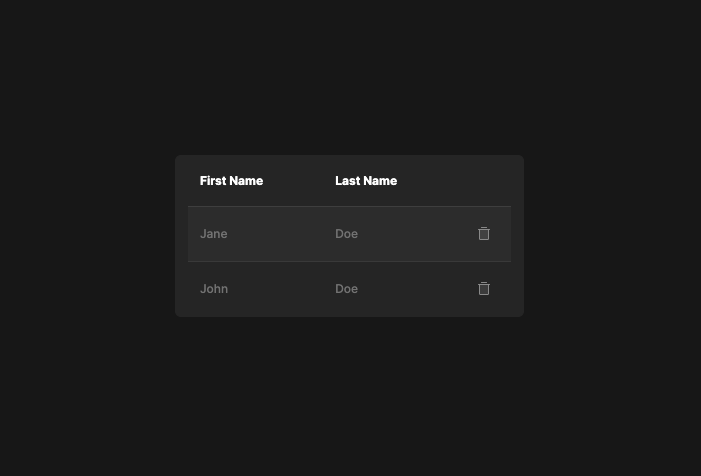
html.Render('table', {
    keys: {
        first_name: {
            name: 'First Name',
            callback: (row, key, index) =>
            {
                return row.first_name;
            }
        },
        last_name: {
            name: 'Last Name',
            callback: (row, key, index) =>
            {
                return row.last_name;
            }
        },
        actions: {
            name: '',
            callback: () =>
            {
                return html.Render('button', {
                    icon: 'trash'
                })
            }
        },
    },
    empty: 'No users found',
    callback: (row, attributes, index) =>
    {
        // Add attributes to each individual row
        attributes['id'] = 'user-' + row.id;
    },
    rows: [
        {id: 1, first_name: 'Jane', last_name: 'Doe'},
        {id: 2, first_name: 'John', last_name: 'Doe'},
    ]
});